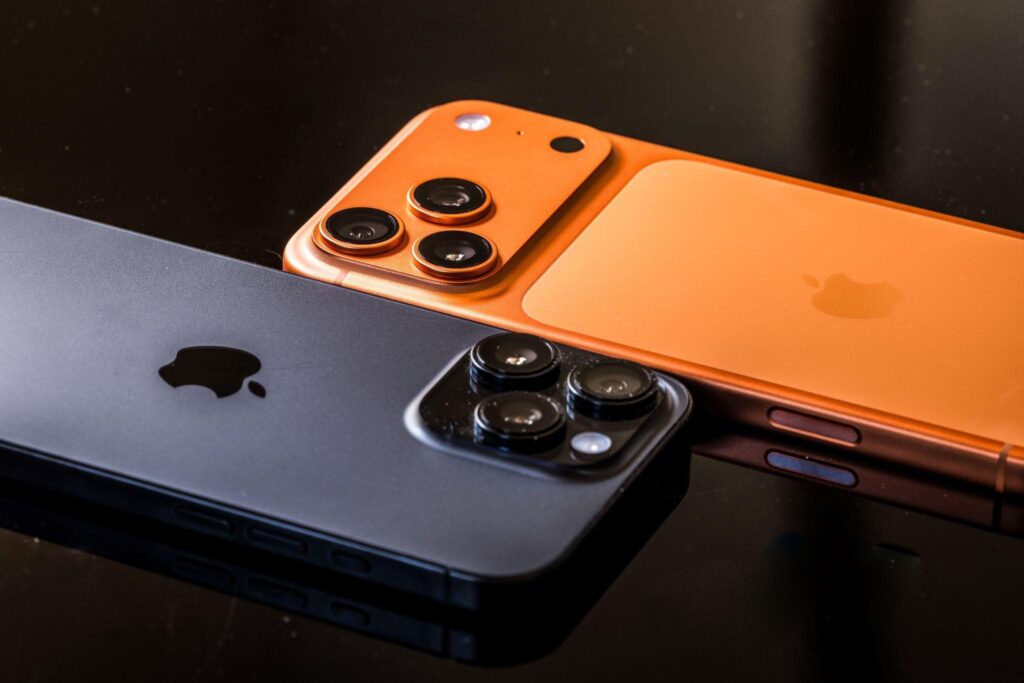
If you’ve spent any time searching for a way to keep tabs on your kid’s iPhone, you already know the frustration. Apple locks down third-party access more than Android ever did, and most “top 10” lists online are just recycled affiliate content that never actually tested anything. The apps below are the ones that actually work within Apple’s restrictions, and each one earns its spot for a different reason: some go deeper into messages and social apps, some are built purely for screen time, and a couple lean more toward simple location sharing. None of them get around Apple’s rules entirely (no app does), but each handles the limitations differently, which is exactly why the “best” one depends on what you’re actually trying to solve.
Before you pick one, it’s worth reading up a bit more than a single article can cover. One of the forums TheDroidway Forum is a good place to do that. It’s a community where parents and tech-savvy users swap real experiences with monitoring and parental control apps, ask specific setup questions, and get answers from people who’ve actually used the tools, not just marketing pages. Worth bookmarking if you want a second opinion before you commit to a subscription. Here’s a quick side-by-side before we get into the details:
|
# |
App |
Key features |
Price |
|
1 |
mSpy |
iMessage tracking, GPS location history, social media (WhatsApp, Instagram, Snapchat, FB Messenger), browser history + site blocking, keylogger, call monitoring |
Multiple plans (Premium, Extreme, Family Kit), check site for current pricing |
|
2 |
Eyezy |
Social media (WhatsApp, Snapchat, Instagram, Facebook, iMessage) via “Social Spotlight,” location tracking, call/contact monitoring, browsing history, keylogger |
Multiple plans, varies by billing cycle, check site |
|
3 |
Qustodio |
Web filtering, blocks 25,000+ iOS apps, location + saved-place alerts, social monitoring (WhatsApp, Instagram, TikTok, Snapchat, X), YouTube monitoring, activity reports |
Basic $59.95/yr (~$5/mo); Complete $104.95/yr (~$8.75/mo) |
|
4 |
Aura |
Content filtering, screen time limits/scheduling, “pause the internet,” activity reports, social interaction insights |
Kids $10/mo (annual) / $13/mo (monthly); Family $32/mo (annual) / $50/mo (monthly) |
|
5 |
Bark |
Social media/text/email/web monitoring, screen time, app/site blocking, live GPS + location alerts |
Bark app $14/mo or $99/yr; + Bark Sync $6/mo or $49/yr (for full iOS access) |
|
6 |
Norton Family |
Web/search supervision, YouTube history, location (30-day history), instant device lock, email alerts |
$49.99/yr (first year, renewal rate applies after) |
|
7 |
OurPact |
Screen time scheduling, geofencing + location history, iPhone restrictions (blocks app deletion / in-app purchases), screenshot monitoring (Premium+) |
Premium $6.99/mo ($69.99/yr); Premium+ $9.99/mo ($99.99/yr) |
1. mSpy
mSpy is one of the most established names in phone monitoring, and on iPhone it covers a wide range: iMessage monitoring, call logs, GPS location and route history, browsing history with website blocking, keystroke logging, and monitoring across WhatsApp, Instagram, Snapchat, and Facebook Messenger. A jailbroken device unlocks additional features, but the standard setup already covers most of what parents are looking for, and setup itself is guided step by step rather than left for you to figure out.
Key features: iMessage tracking, GPS location history, social media monitoring, browser history and site blocking, keylogger, call monitoring.
Price: Multiple plans available (Premium, Extreme, Family Kit). Check current pricing on the official site, as plans and promotions change often.
2. Eyezy
Eyezy takes a similar approach to mSpy but leans harder into its “Social Spotlight” feature, which claims to surface private conversations, including ones that were deleted. It also covers GPS and Wi-Fi-based location tracking, call and contact monitoring, browsing history, and keystroke logging across the major social apps, and the dashboard is built to feel less technical than some of its competitors.
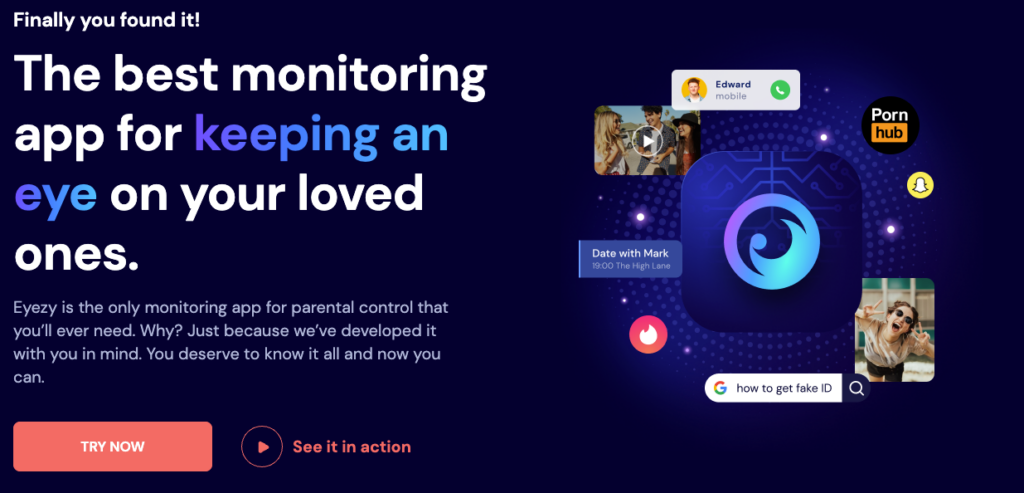
Key features: Social media monitoring (WhatsApp, Snapchat, Instagram, Facebook, iMessage), location tracking, call/contact monitoring, browsing history, keylogger.
Price: Multiple plans available. Pricing varies by billing cycle, so check the site directly for current offers.
3. Qustodio
Qustodio is built more around screen time and content filtering than deep message access, and it’s genuinely strong at both. It blocks over 25,000 iOS apps, filters Safari and Chrome, and tracks location with saved-place alerts. One catch: calls and messages monitoring on iOS requires a paired Windows or Mac computer, worth knowing before you buy if that’s the feature you actually want.
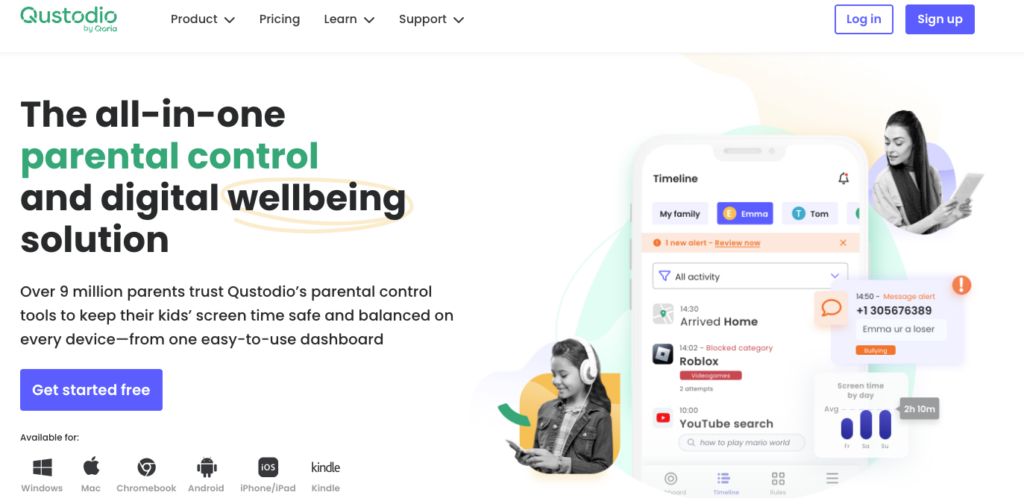
Key features: Web filtering, app blocking (25,000+ apps), location with saved-place alerts, social monitoring (WhatsApp, Instagram, TikTok, Snapchat, X), YouTube monitoring, activity reports.
Price: Basic $59.95/year (~$5/mo); Complete $104.95/year (~$8.75/mo).
4. Aura
Aura is aimed at families who want a fast setup rather than granular controls, and it delivers on that. The Kids plan covers unlimited kids and devices for content filtering, screen time scheduling, and activity reports. It’s a good fit if you’d rather spend five minutes setting things up than an hour configuring rules.
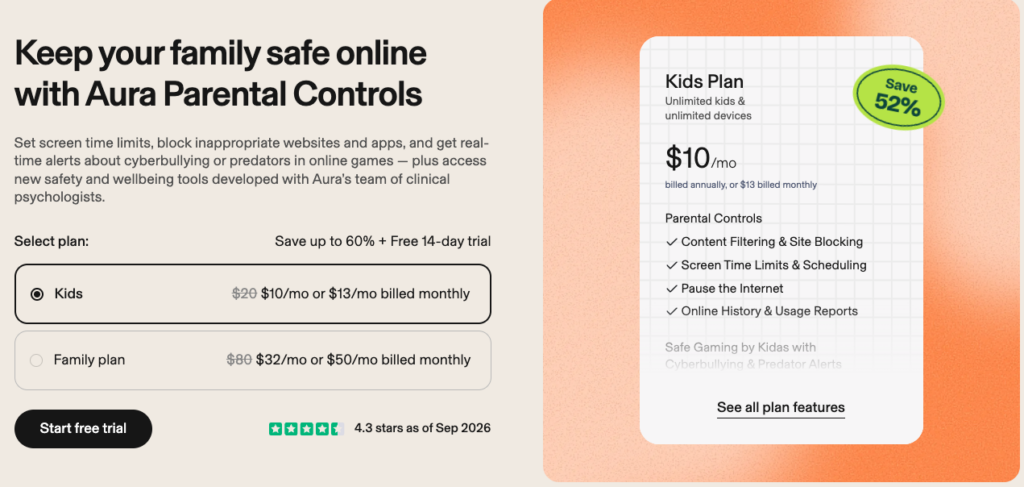
Key features: Content filtering and site blocking, screen time limits and scheduling, “pause the internet,” online activity reports, social interaction insights.
Price: Kids plan $10/mo (billed annually) or $13/mo billed monthly; Family plan $32/mo (annual) or $50/mo monthly.
5. Bark
Bark is built around alerting you to real risks, like bullying, predatory contact, or self-harm language, rather than giving you a raw feed of everything. On iOS, full message monitoring requires pairing the Bark app with Bark Sync, a separate charger-based add-on, since Apple doesn’t let third-party apps read on-device messages directly.
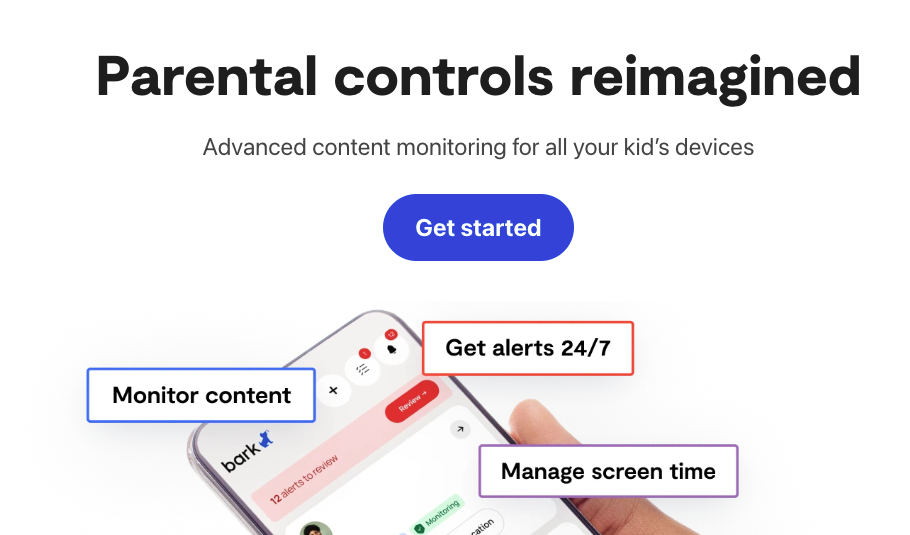
Key features: Social media, text, email, and web activity monitoring; screen time and app/site blocking; live GPS with location alerts.
Price: Bark app $14/mo or $99/year; Bark Sync (for full iOS message access) adds $6/mo or $49/year.
6. Norton Family
Norton Family skips the message-reading angle entirely and focuses on web supervision, search terms, YouTube activity, and location history, a simpler, more transparent style of monitoring that some parents prefer, especially for younger kids who don’t need full message visibility yet.
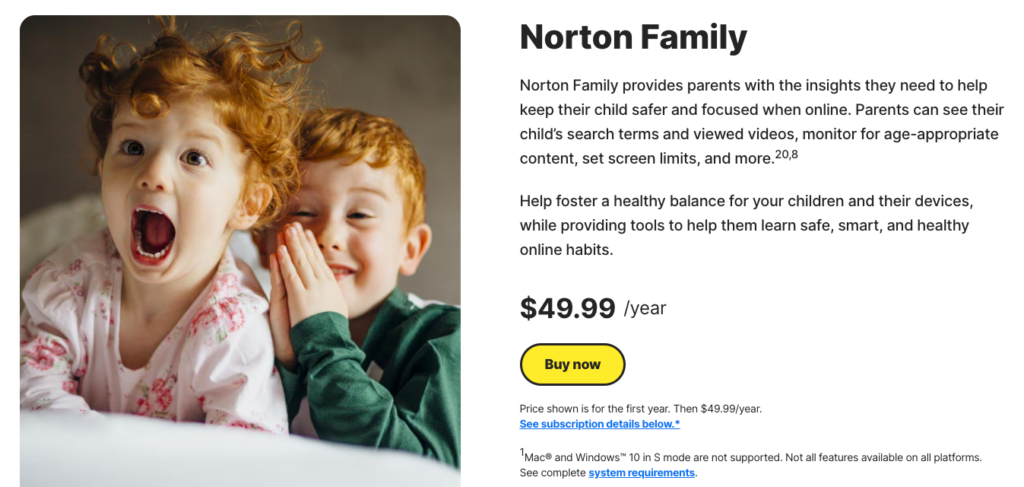
Key features: Web and search supervision, YouTube video history, location tracking with 30-day history, instant device lock, email alerts on blocked sites.
Price: $49.99/year for the first year (renewal rate applies after).
7. OurPact
OurPact is the pick if scheduling is your main headache: daily screen limits, custom app rules for school/bedtime/family time, and instant block/unblock. The Premium+ tier adds automated screenshots with AI content flagging, useful if screen time alone doesn’t tell you what you need to know.
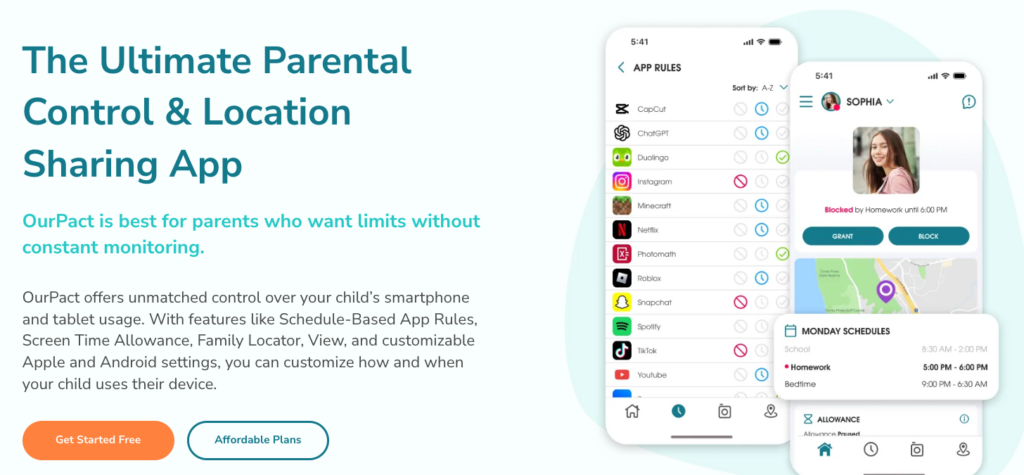
Key features: Screen time scheduling, geofencing and location history, iPhone restrictions against app deletion and in-app purchases, screenshot monitoring (Premium+).
Price: Premium $6.99/mo ($69.99/year); Premium+ $9.99/mo ($99.99/year).
So which one should you actually pick?
Out of all seven, mSpy is the strongest overall choice for most parents. It’s the most complete on iPhone specifically: iMessage, calls, location, browsing, and the major social apps all in one place, without needing an add-on device or a paired computer the way Bark and Qustodio do.
It’s also one of the longest-standing names in the space, which matters when you’re trusting an app with this much access to your kid’s phone, and that track record is part of why it keeps showing up at the top of comparison lists year after year. If you only install one app from this list, mSpy is the one that covers the most ground on iOS without extra hardware or workarounds.
One thing worth remembering regardless of which app you choose: these tools are meant for parents managing their own children’s devices, not for monitoring someone without their knowledge or consent on a device that isn’t yours to manage. Apple’s own privacy protections also mean no app, no matter what it claims, gives truly unrestricted visibility into an iPhone.