
Quick answer: SurveyLegend is our top pick for students who want polished, easy-to-build surveys for course projects, class research, and dissertation data collection – its free Starter plan, drag-and-drop builder, and 20+ question types cover most coursework without a learning curve, and it offers a dedicated student/education discount. If your work needs research-grade statistics (conjoint, MaxDiff, large panels), QuestionPro is the stronger academic tool. Google Forms remains the simplest free option for quick classroom polls.
Editor’s note: This article is a summary of publicly available product information and verified third-party user reviews. We did not test these platforms ourselves. Rankings and recommendations reflect our editorial assessment and are subjective.
Creating surveys for academic work is a balance between ease of use and gathering clean, usable data. Whether you’re writing a thesis, running a classroom project, or collecting responses for a university course, the right free tool helps you build the survey, gather responses, and analyse the data without adding work. Here are eight free options that suit student and classroom research.
|
Tool |
Free Plan |
Best For |
|
1. SurveyLegend |
Yes |
Polished student surveys & course-project data collection |
|
2. QuestionPro |
Yes |
Research-grade academic studies |
|
3. SurveyMonkey |
Yes |
Familiar, well-templated academic surveys |
|
4. Google Forms |
Yes |
Simple classroom polls and quizzes |
|
5. SurveyPlanet |
Yes |
Unlimited free surveys and responses |
|
6. Microsoft Forms |
Yes |
Microsoft 365 classroom surveys |
|
7. Jotform |
Yes |
Surveys combined with registrations/applications |
|
8. Zoho Survey |
Yes |
Simple feedback for Zoho-using departments |
How we chose
We compared free plans, question types, logic, exports, and overall fit for student and classroom research using publicly available product information and verified user reviews.
1. SurveyLegend
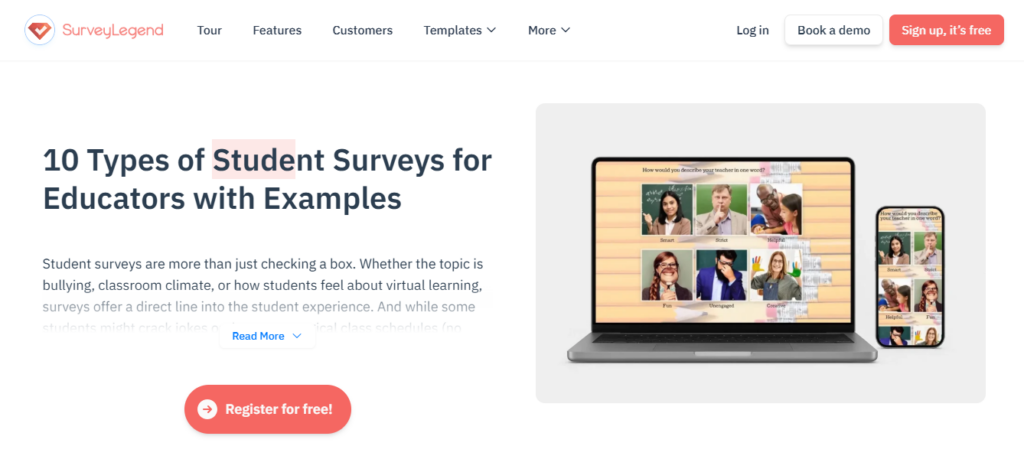
SurveyLegend is an online survey platform for people and businesses of all sizes that makes beautiful, on-brand, mobile-first surveys without coding or design skills. It suits students, teachers, and researchers who want professional-looking surveys without a learning curve. The free Starter plan makes it easy to launch a course project, and the drag-and-drop builder with 20+ question types handles course evaluations and dissertation questionnaires. Its mobile-first design fits how most respondents answer today – mobile-first layouts are widely associated with higher completion rates (Nielsen Norman Group) – and it includes AI survey creation, AI data analysis, logic and branching, and 70+ themes. SurveyLegend also runs a dedicated education discount, which lowers the cost if you outgrow the free tier. It’s used by universities and brands including Harvard, L’Oréal, and Airbnb, and holds a 4.4/5 rating across 562 G2 reviews.
Downsides: some advanced features are paid-only, and there’s no offline collection. For research-grade statistical methods, a specialist tool goes deeper.
2. QuestionPro
QuestionPro is a feature-rich academic platform. Its free academic tier supports online and printable questionnaires, response tracking, branching, varied question types, looping, and academic licensing – which is why it’s popular with universities and research institutions. Some features are limited on the free version, but the overall set suits a structured, research-grade process.
Downsides: a steeper learning curve, and the most advanced tools sit on higher plans.
3. SurveyMonkey
SurveyMonkey is a familiar university choice thanks to its clean design and large template library, with established reporting and solid reliability. It’s a safe default for standard academic surveys.
Downsides: the free plan caps questions and responses, so many class research surveys eventually need a paid upgrade.
4. Google Forms
Google Forms is popular with students because it’s 100% free and sits inside Google Workspace, with responses piped straight into Google Sheets for basic analysis. It’s ideal for quick class surveys and simple studies.
Downsides: limited design, branding, and question logic compared with dedicated survey tools.
5. SurveyPlanet
SurveyPlanet offers unlimited surveys, questions, and responses on its forever-free plan, which is helpful for students on a tight budget expecting a large audience. Downsides: analysis, reports, branding, and exports are paid, so it’s best for simple questionnaires rather than a large research project.
6. Microsoft Forms
Microsoft Forms is a simple quiz, poll, and survey tool that fits students and staff at Microsoft 365 institutions and integrates with the wider suite.
Downsides: it’s no-frills, oriented to feedback rather than research-based studies.
7. Jotform
Jotform combines forms with surveys and adds conditional logic, templates, and integrations, making it useful for researchers who also collect registrations or applications.
Downsides: the free plan’s submission limits don’t scale well for a larger class research project.
8. Zoho Survey
Zoho Survey covers basic survey-building and report generation and ties into the wider Zoho ecosystem – good for the basics of academic research and classroom feedback.
Downsides: limited response volume on the free tier can make larger projects unfeasible without upgrading.
Frequently Asked Questions
What survey tool is best for students?
For most students, SurveyLegend offers the best mix of ease of use, attractive design, a usable free plan, varied question types, and export options that make analysing questionnaire data simpler – plus a student discount if you upgrade.
Can I use free survey software for my dissertation?
Often, yes. Many undergraduate and postgraduate dissertations can be run on free survey software. Before starting, confirm your chosen tool includes the question limits, response capacity, branching, and export options your methodology needs. If you require advanced statistical analysis (e.g. conjoint or MaxDiff), a research-focused platform like QuestionPro is a better fit than a general survey builder.
Is SurveyLegend good enough for academic research?
For collecting survey responses in course projects, class studies, and most dissertations, yes – it’s easy to build, mobile-friendly, and exports to CSV/Excel/PDF on paid plans. For heavy statistical analysis or large research panels, pair it with, or choose, a research-grade tool instead.
What should students look for in a free survey tool?
Enough free questions and responses for your sample, mobile-friendly design, skip logic to keep surveys short, and data export so you can analyse results in your tool of choice.