You are here, wondering how to design a logo, but can’t decide whether BrandCrowd or Wix Logo Maker is the best for you. Don’t worry!
The design of logos speaks louder about the brand. That is why it is important to know what BrandCrowd and Wix Logo Maker offer and choose your preferred one.
In this article, we’ll go into detail and understand which of the two websites is the most suitable for users to create the best designs.
Overview of BrandCrowd and Wix Logo Maker
BrandCrowd offers a wide library of professionally designed logos and creative templates, while Wix Logo Maker provides customizable icons, fonts, and templates to help businesses create logos. Both tools offer extensive online libraries of professionally designed logo and creative templates, catering to businesses across all industries.
BrandCrowd: Your Top Choice for Logo Design
BrandCrowd is an online creative marketplace offering a diverse range of creative and professionally designed templates and logos for companies and entrepreneurs dealing with all industries.
You are thinking about finding your design. Easy! BrandCrowd provides more than 350K logo templates and 1 million design templates. designs. Pick one, edit, and get it in seconds.
How to start making the designs? Let’s understand together.
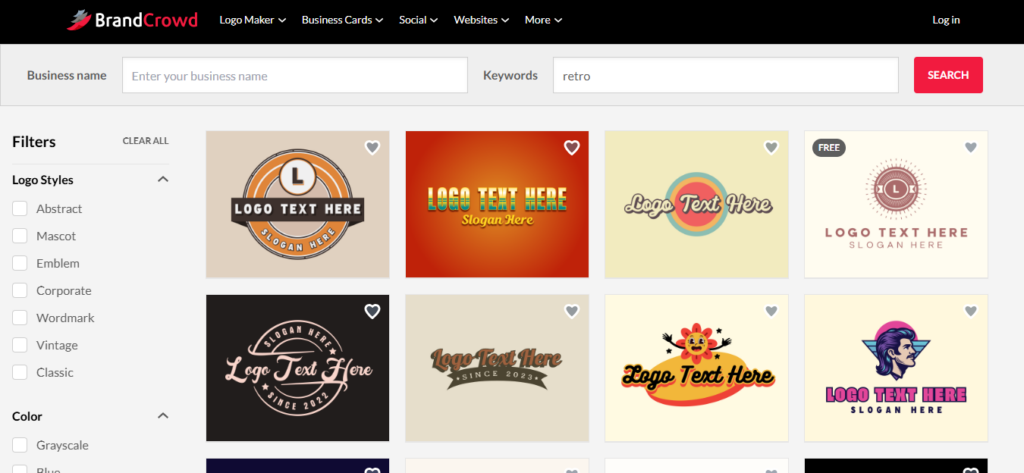
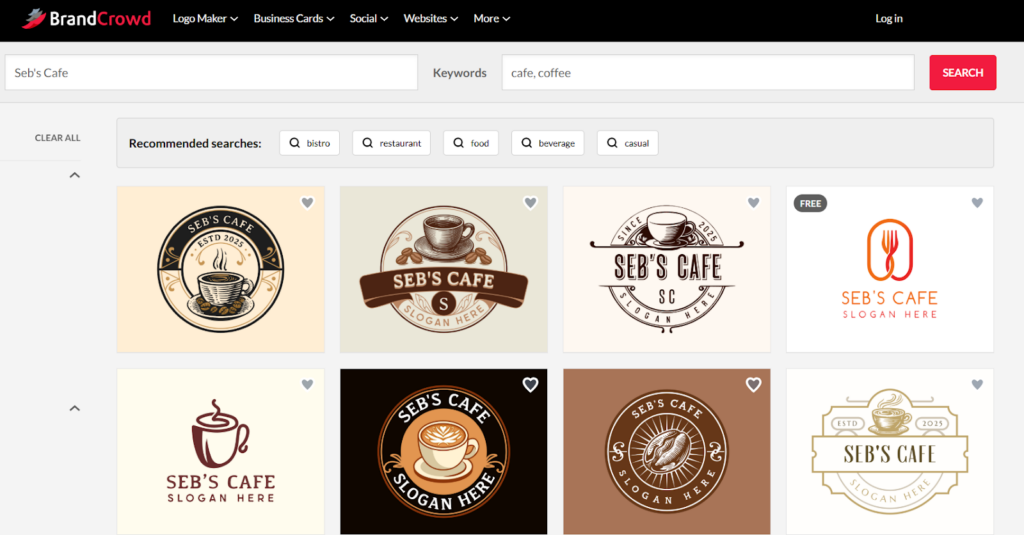
You can type your business name or simply search for logos, mention keywords connected to the company or logo style (e.g., minimalist, retro, etc), and find recommended options.
The best thing is that it’s not limited to options; it also offers customization features. Different colors, gradients, over 750+ and 525+ exclusive fonts, layouts, shapes, and other functions are available for your design ideas.
After editing and customising the tools, it is easy to instantly download the file formats, including PDF, PNG, JPG, EPS, and SVG for websites, cards, and other purposes.
Besides logos, the website allows you to create business cards, social media platform designs, email signatures, letterhead templates, and even more.
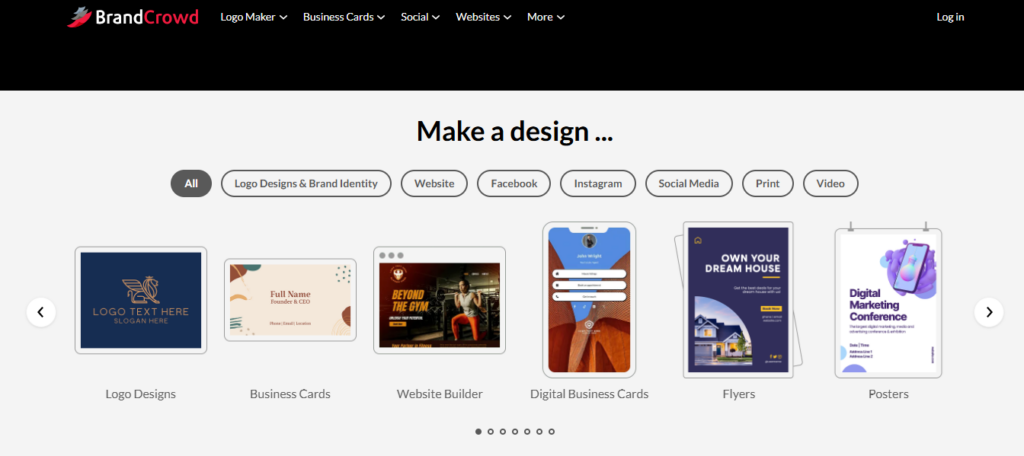
Based on the industry, be it fashion, tech, marketing, or other spheres, it’s up to you and your brand’s voice to generate designs.
So, if you want quick design templates with a lot of options and features, then go straight to BrandCrowd!
What Wix Logo Maker Brings to the Table
Wix Logo Maker is for businesses or individuals to create their own website. Through AI-assisted tools, you can come up with your own design from scratch or find pre-designed templates.
How to start with the design? First of all, understand the purpose of the design based on your brand style and preferences.
You can find more than 900 free design templates if you don’t want to create your own or simply don’t have one in mind.
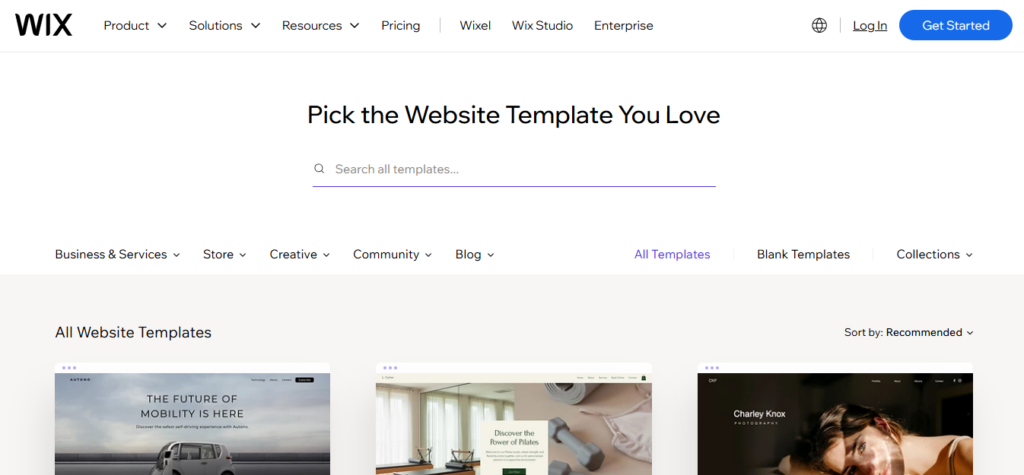
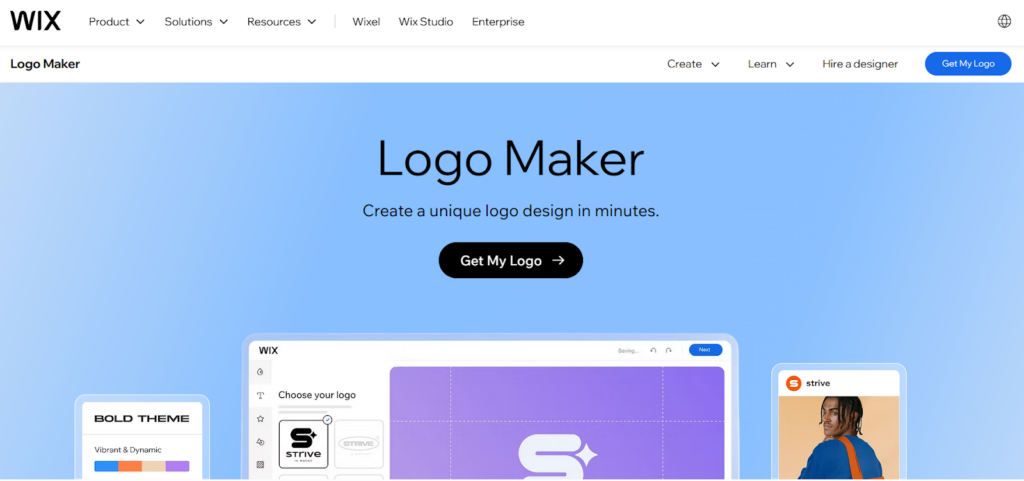
Through Wix Logo Maker, you can integrate and change elements, including colors, layouts, styles, typography, imagery, and other functions for your brand.
Feel free to bring your own touch to the design, as you can edit logos, business cards, or social media visuals when creating the design.
The moment you feel like the design is ready, download it in different formats, like high-quality SVG or PNG files for printing or digital usage.
Easy, smooth, and fast, right?
Which One of These Is the Best Design Choice?
If you still wonder which platform can give a broader experience and freedom. Let’s break down some angles of each one.
Key Benefits of BrandCrowd
- Creative approach, speed, and high-quality options: You can preview designs before logging in. Unlimited possibilities and stunning elements of BrandCrowd can appeal to the users. For someone who gives importance to details, this one is definitely for them!
- AI-generated options and designs: Additionally, you can have access to AI design tools, including AI business name generator, AI logo generator, and AI background remover.
- Doesn’t require a design experience: You can just search design ideas based on specific topics, keywords, and features, and start your journey at BrandCrowd. Everything is easy and flexible for your design experience.
- Pricing option: If you want to edit logos, you can do it for free. But you should make a one-time payment for downloading high-quality files. The free logo offering also gives access to their free website builder, free digital business card maker, and free link in bio makers so that you can publish all for free.
Advantages of Wix Logo Maker
While above we discussed some of the pros of BrandCrowd, Wix Logo Maker works a little differently. Here are the main points.
- AI-driven concept designs: If your goal is to generate a design instead of finding an already existing one, Wix Logo Maker guides you through the steps. After answering some questions about your preferences, AI will create designs.
- Adjustable plan options: The website allows you to edit the logo, card, or post designs with a Basic and Advanced plan. But after downloading, you cannot make any changes to the design. If you want to have more access to editorial settings, you should purchase a Brand Plus plan.
- Easy to follow the instructions: You open the website, want to create a design, but don’t know how to do it. The process in Wix Logo Maker is not difficult at all!
There is no strict guideline or hard approach; it walks you through the easy steps.
If you want to find inspiration for your designs, again, easy. Pre-designed templates aligning with your needs and preferences can be there for you.
Comparing Design Experiences: Make a Wiser Choice
Choose BrandCrowd if you want to: Find creative, unique, inspiring, and exclusive design templates with a variety of customization suggestions and excellent output. Have a quick and efficient editing experience with various types of brand assets.
Choose Wix Logo Maker if you want to: Search modern and simple AI-powered design templates, posts, and websites. Easy and smooth to follow the usage steps.
BrandCrowd VS Wix Logo Maker
| Features | BrandCrowd | Wix Logo Maker |
| Templates | Professionally and creatively designed templates and styles + advanced AI options | AI-powered tools and designs |
| Design categories | Business cards, logo, websites, social media posts, flyers, email signatures, zoom backgrounds, invitations, videos, animations, presentations, QR codes | Any type of logo, social platform profiles, business postcards, watermarks, website design |
| Customization options | Gradient colors, layouts, fonts, shapes, icons | Brand personality, color palettes, styles, shapes, fonts |
| File formats | Various file formats, such as PDF, SVG, EPS, JPG, PNG, for good resolution and high-quality printing | SVG vector and PNG image format files |
| Beneficial for | Creators and designers seeking a variety of designs | Business owners and users subscribed to website |
| Payment | Offers a free trial for downloading a limited designs, but for the Premium plan requires a monthly or annual payment | Get a free low-resolution sample, but purchase high-quality files |
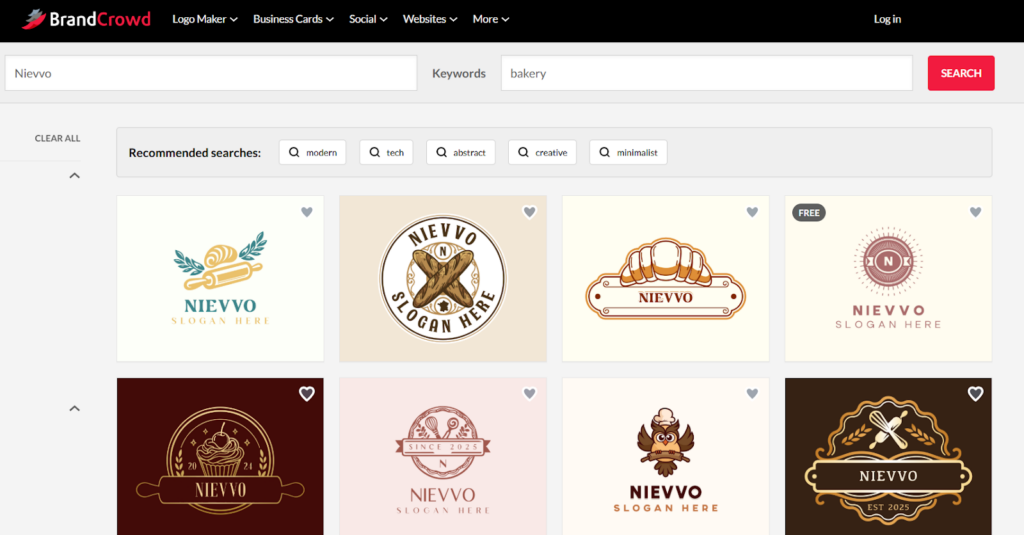
By BrandCrowd
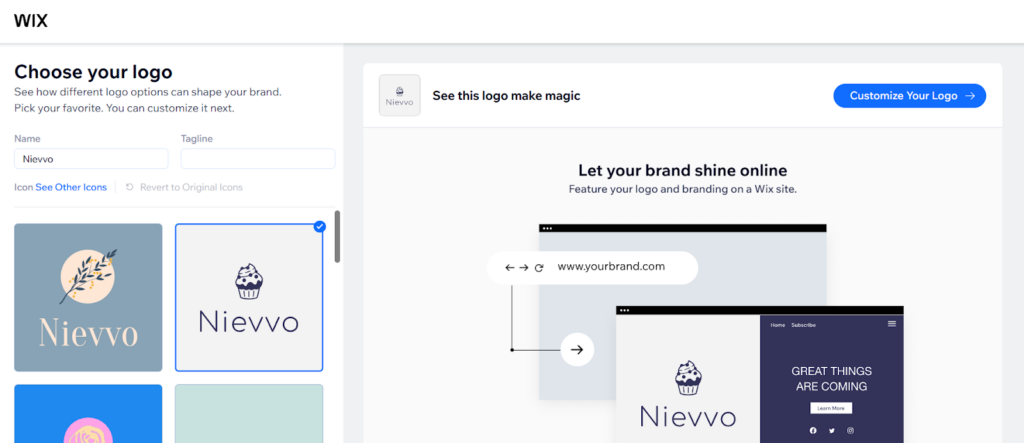
By Wix Logo Maker
To Sum Up
Together, we’ve broken down the differences, similarities, and functions of the two tools. Now it’s up to you to decide. Think about your brand’s style and purpose: What should it look like? What message do you want to communicate? What perception do you want to leave with your audience?
When it comes to variety, creativity, and high-quality results, BrandCrowd stands head and shoulders above the rest. With its extensive library of templates, never-ending design ideas, and intuitive tools, BrandCrowd makes it effortless to create a logo that truly captures your brand’s identity. If you want the best and most polished experience, the choice is clear: BrandCrowd.