Let’s be real — TikTok moves fast. Blink and your competitors have already posted three videos, grabbed ten thousand new followers, and moved on to the next trend. If you’re trying to keep up while watching your spending, the pressure can feel relentless. But here’s what the most productive creators have figured out: you don’t need an expensive production setup to win on TikTok. You need the right AI video tools.
AI video technology has reached a point where a solo creator with a laptop and a tight budget can produce content that looks like it came out of a professional studio. The apps on this list are proof of that. We’ve rounded up the ten best AI video apps for TikTok creators who want maximum output without the maximum price tag. Let’s get into it.
1. Pollo AI
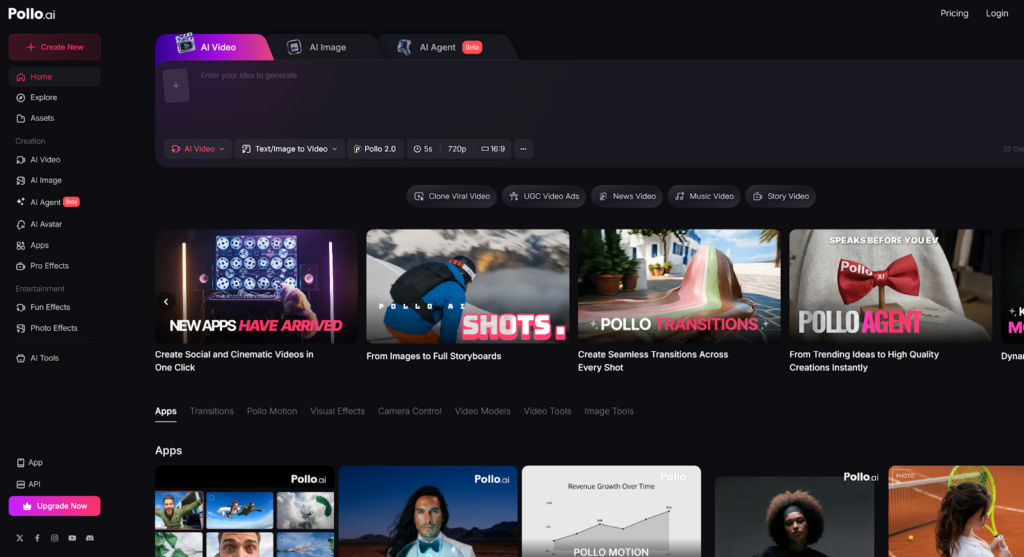
Pollo AI is the kind of AI video tool that makes you wonder why you ever spent hours editing footage manually. Built with content creators at its core, Pollo AI lets you generate high-quality videos quickly and without any steep learning curve. You bring the idea, and Pollo AI handles the heavy lifting — from scene generation to polished output that’s ready to drop straight onto TikTok.
What makes Pollo AI especially appealing for budget-conscious creators is the combination of quality and accessibility. The interface is clean and intuitive, so you’re not wasting time figuring out where things are. The AI video generation is fast, the results look professional, and the platform supports the vertical format that TikTok demands. You also get customization options that let you align the visual style with your brand without needing design skills. For TikTok creators who want a reliable, high-output AI video workflow without breaking the bank, Pollo AI is the place to start.
2. Media.io
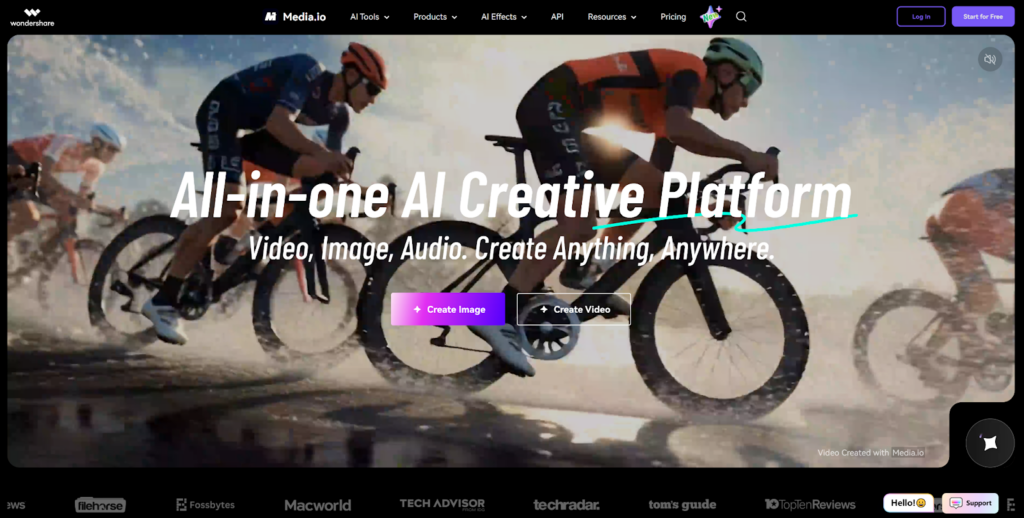
Media.io is a versatile online platform that has quietly become a go-to AI video tool for creators who need a wide range of features under one roof. From AI-powered video editing to subtitle generation, background removal, and format conversion, Media.io covers a lot of ground — which is exactly what a budget creator needs from a single subscription.
The platform’s AI video capabilities are particularly useful for TikTok content. You can auto-generate captions, resize videos to the correct aspect ratio, enhance audio quality, and apply smart edits that would normally require hours of manual work. The browser-based interface means there’s nothing to download, and the free tier is generous enough to let new users produce real content before committing to a paid plan. Media.io strikes a strong balance between depth and simplicity, making it a smart second choice for creators who want an all-in-one AI video solution.
3. CapCut
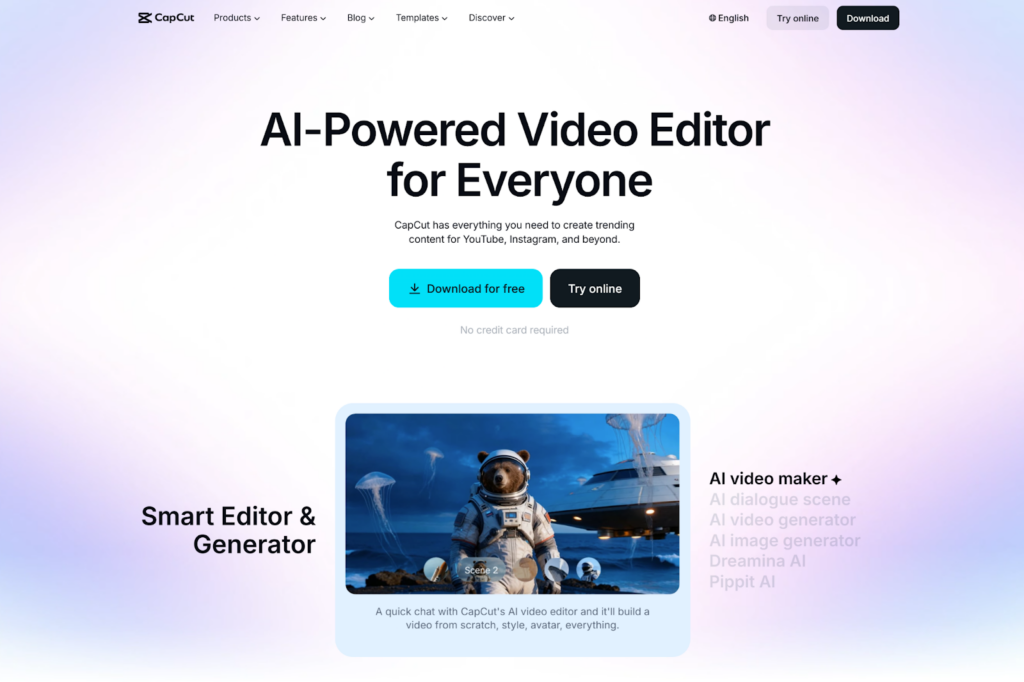
CapCut has become practically synonymous with TikTok content creation, and for good reason. This free AI video editing app is packed with features that feel tailor-made for short-form social content — auto-captions, trending templates, AI-generated effects, and smart background removal are all built right in. The mobile app experience is smooth and fast, which matters when you’re trying to turn around content quickly.
The AI video features in CapCut keep getting more powerful with every update. You can use AI to reframe footage, generate text overlays, apply auto-beat sync to match your cuts to music, and even create video from text prompts. The template library is massive and constantly refreshed with trending styles. Best of all, the core version is completely free, making CapCut one of the most accessible AI video tools on this entire list.
4. Runway
Runway is where AI video creation starts to feel like actual magic. The platform is best known for its generative AI video capabilities — you can create video from text, remove objects from footage, apply cinematic effects, and manipulate clips in ways that traditional editing software simply can’t match. For TikTok creators who want their content to stand out visually, Runway opens up creative possibilities that were previously reserved for high-budget productions.
The AI video generation tools in Runway are genuinely impressive in their output quality. The Gen-2 model can produce short video clips from text descriptions alone, which is a game-changer for creators who want unique visuals without sourcing footage. There’s a free tier available that gives new users access to core features, and the paid plans are reasonably priced for the level of technology you’re getting. Runway is the right pick for creators ready to push their TikTok content into more experimental, visually striking territory.
5. InVideo AI
InVideo AI is a powerful AI video creation platform that turns scripts and ideas into fully produced videos in minutes. You describe what you want, and the AI handles everything from selecting footage and adding voiceover to timing transitions and formatting the final cut. For TikTok creators who are strong on ideas but short on editing time, InVideo AI is a genuine productivity multiplier.
The platform’s AI video engine is trained on short-form content formats, so the output naturally suits TikTok’s pacing and style. You get access to a massive stock footage library, a wide selection of AI voices, and customizable templates that cover virtually every niche. InVideo AI also makes it easy to repurpose longer content into bite-sized TikTok clips, which is a smart strategy for creators managing content across multiple platforms. The pricing is budget-friendly, with a free plan available to get you started.
6. Pictory
Pictory is an AI video tool built around one core idea: turning written content into engaging video automatically. If you have a blog post, a script, or even a long-form article, Pictory can convert it into a short, polished video complete with relevant visuals, captions, and background music. For TikTok creators who repurpose content across formats, this is an enormous time-saver.
The AI video creation process in Pictory is straightforward — paste your text, let the AI select matching footage from its library, review the auto-generated captions, and export. The platform is particularly strong on caption accuracy and visual relevance, two things that matter a lot on TikTok where viewers often watch without sound. Pictory offers a free trial and affordable monthly plans, making it an accessible option for creators who want to work smarter, not harder, with their existing content.
7. Fliki
Fliki is an AI video app that specializes in turning text into video with natural-sounding AI voiceover — and it does this exceptionally well. You type your script, choose a voice from Fliki’s extensive library, and the platform builds a video around your narration using relevant stock visuals and auto-synced captions. The result is a clean, professional AI video that’s well-suited to TikTok’s educational and storytelling content formats.
The voice quality in Fliki is one of its strongest selling points. With hundreds of voices across dozens of languages, you have real creative control over how your content sounds. The editing interface is simple enough for beginners but flexible enough for experienced creators who want to fine-tune every element. Fliki offers a free tier with limited minutes per month, and the paid plans are affordable enough to fit comfortably into a creator’s budget. For voiceover-driven TikTok content, Fliki is hard to beat.
8. Lumen5
Lumen5 has been helping content creators transform ideas into video for years, and its AI video capabilities make it one of the most efficient tools on this list. The platform is designed to take text — whether a blog post, a social caption, or a custom script — and automatically match it with visuals, transitions, and music to produce a ready-to-publish video. The workflow is fast, the output is clean, and the learning curve is minimal.
What makes Lumen5 particularly useful for TikTok creators is its smart scene pacing. The AI video engine breaks your content into natural segments and assigns appropriate timing to each, which keeps the final video feeling dynamic rather than static. The media library is extensive, and you can upload your own assets to maintain brand consistency. Lumen5 offers a free plan with watermarked exports, and the paid tiers are reasonably priced for the quality and speed you get in return.
9. Canva Video
Most people know Canva for graphic design, but its AI video features have quietly made it one of the most useful tools in a TikTok creator’s toolkit. Canva’s video editor combines drag-and-drop simplicity with AI-powered features like Magic Write for script generation, AI image creation for custom visuals, background remover, and auto-resize for different social formats. Everything is accessible in the browser with no software installation required.
The AI video templates in Canva are specifically designed for social media, and many are optimized for TikTok’s vertical format right out of the box. The platform’s free tier is genuinely useful, giving you access to thousands of templates, basic video editing tools, and a growing set of AI features. For creators who already use Canva for their graphics and thumbnails, adding video to that workflow is a natural and cost-effective step that doesn’t require learning a new platform from scratch.
10. Clipchamp
Clipchamp is Microsoft’s browser-based AI video editor, and it’s a surprisingly capable tool for TikTok creators who want a free, no-download solution with solid AI video features built in. The platform offers auto-captions, AI-generated text-to-speech voiceover, a stock footage and music library, and a straightforward timeline editor that gets the job done without overwhelming you with options.
The AI video tools in Clipchamp are particularly useful for creators who work primarily on Windows, since the app integrates directly with Microsoft 365 and OneDrive for seamless file management. The auto-caption feature is accurate and easy to style, which is critical for TikTok content. Clipchamp is free for personal use, with a premium plan available for creators who need access to the full stock library and advanced export options. For a no-cost starting point with real AI capabilities, Clipchamp earns its spot on this list.
A limited budget is no longer a barrier to creating great TikTok content. The AI video tools on this list prove that with the right app, you can produce professional, engaging, scroll-stopping videos without spending a fortune. Whether you start with Pollo AI for its speed and quality, lean on Media.io for its all-in-one versatility, or experiment with Runway’s generative capabilities, the tools are there — and they’re more accessible than ever.
Pick your starting point, commit to a consistent posting schedule, and let AI video technology do what it does best: turn your ideas into content that actually gets seen.